
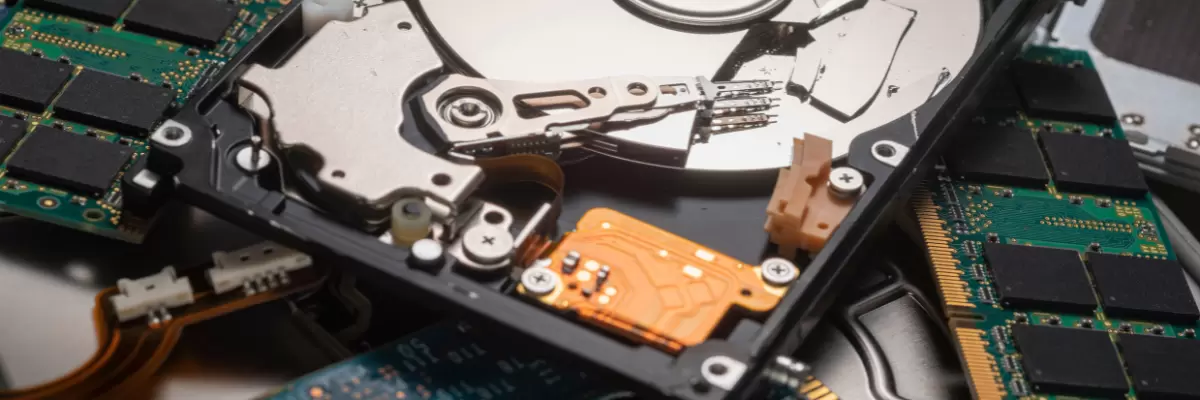
Your old laptops and servers left the building months ago. As far as your IT team is concerned, that data is gone. But for a disturbing number of organizations, it isn’t — it’s just waiting on a drive somewhere, in a box, on a resale shelf, or halfway around the world, for the wrong person to find it.
Security researchers have a name for it: zombie data. Information that was supposedly deleted, wiped, or “recycled,” but never actually died.
Why “Deleted” Doesn’t Mean Gone
When a file is deleted or a drive is formatted, the operating system usually just removes the pointer to where that data lives — the underlying bits stay put until something else overwrites them. That means a quick format, a factory reset, or dragging files to the trash can all look like a clean slate while leaving the actual information fully intact and recoverable with free forensic tools.
Multiple independent studies over the years have tested this by buying used hard drives and phones off resale marketplaces. The findings are remarkably consistent: the majority of “wiped” secondhand drives still contain recoverable data, from personal photos and tax documents to corporate emails, CRM records, and employee files. Researchers who’ve run these tests repeatedly conclude the same thing — the issue usually isn’t that sellers skip wiping their devices, it’s that they don’t do it correctly.
The consequences aren’t hypothetical. Government audits have found state agencies handling tax and medical records using inadequate wipe methods. Improperly discarded medical hard drives have exposed six-figure numbers of patient records in a single incident. And in one widely reported case, a resold hard drive was found to contain classified missile-defense testing procedures for a U.S. defense contractor.
How This Happens to Companies That Think They Did Everything Right
Most organizations don’t end up with a zombie data problem because they were careless. They end up with one because they trusted the wrong link in the chain.
A device might get properly logged and picked up internally, then handed to a recycler who performs a “wipe” using consumer-grade software that isn’t validated against any recognized standard. Or drives get bundled for bulk resale before anyone confirms they were sanitized at all. Every one of those gaps looks fine on paper — until a drive resurfaces somewhere it shouldn’t.
Red Flags When Choosing a Recycling or ITAD Vendor
Watch for these warning signs before you hand over a single device:
- No certificate of destruction. If a vendor can’t provide documented proof, tied to specific serial numbers, that your devices were destroyed or sanitized, you have no audit trail if something goes wrong.
- Vague answers about their wipe standard. “We wipe everything” isn’t an answer. Ask which standard they follow and whether they can name it.
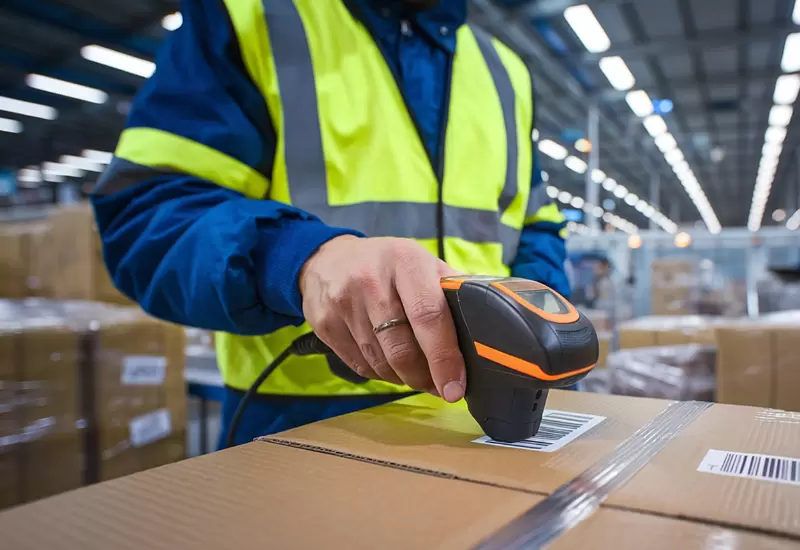
- No chain-of-custody tracking. You should be able to see where your assets are at every stage, not just get a confirmation email once it’s “done.”
- Unclear downstream processing. If a vendor can’t tell you exactly where devices go after pickup that’s a gap you’re inheriting.
- Reluctance to allow audits or facility visits. A vendor confident in their process won’t hesitate to show you how it works.
What to Look for Instead
A credible data destruction partner should be able to show you, not just tell you:
- Recognized certifications — R2v3, ISO 14001, and NIST are widely accepted benchmarks for responsible, secure processing.
- A defined sanitization standard, such as NIST 800-88 media sanitization guidelines, applied consistently across software wiping and physical destruction.
- Serialized, asset-level reporting so every device is tracked individually, not processed as an anonymous batch.
- A real certificate of destruction issued per job, supporting HIPAA, ITAR, FACTA, or other compliance requirements your organization is subject to.
- Transparency about on-site vs. off-site options, so you can choose the level of control your security policy requires.
The Bottom Line
Data destruction isn’t just about the method — overwriting, degaussing, or shredding are all sound techniques in the right hands. The real risk sits one layer up, in who’s actually doing the work and whether you can prove it. A drive that “should have been wiped” is not the same as a drive with a documented, auditable record showing it was.
Before your next hardware refresh or data center decommission, it’s worth asking your vendor the uncomfortable questions now — not after a drive turns up somewhere it shouldn’t.
METech Recycling is R2v3-certified and provides serialized chain-of-custody tracking, single/3/7-pass software wiping, physical shredding, and Certificates of Destruction — available through our secure client portal for audit and compliance needs.